
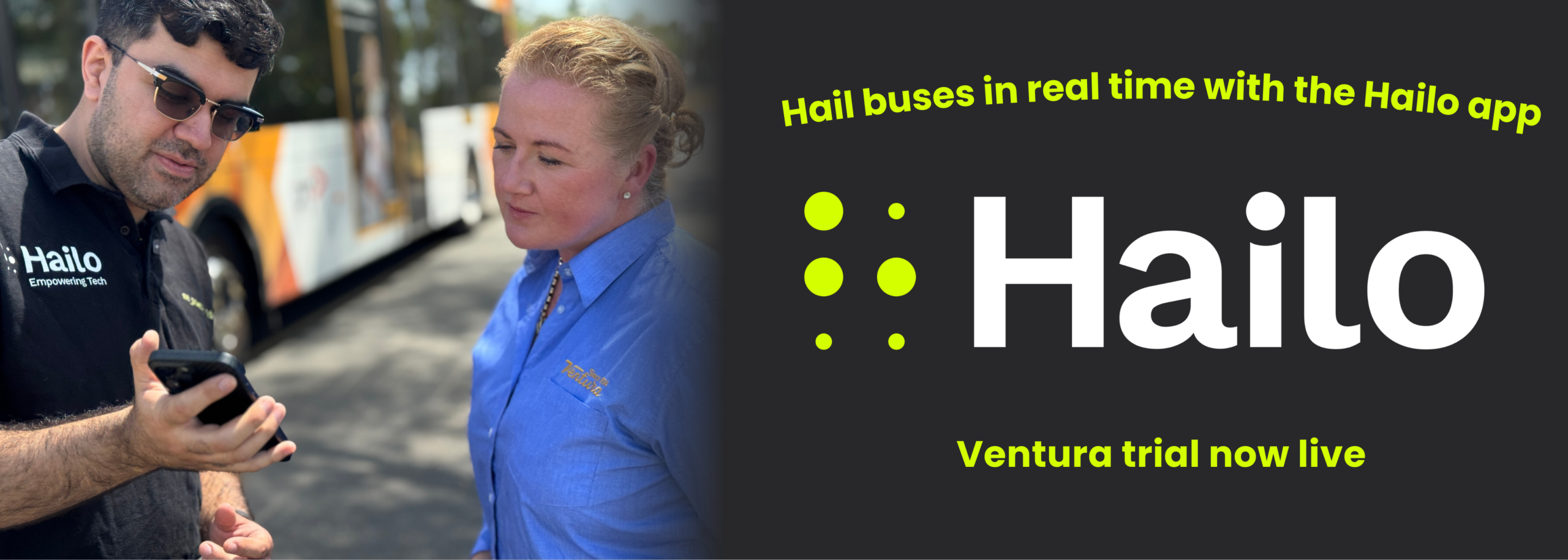
Hail Ventura Buses while you wait with the Hailo App
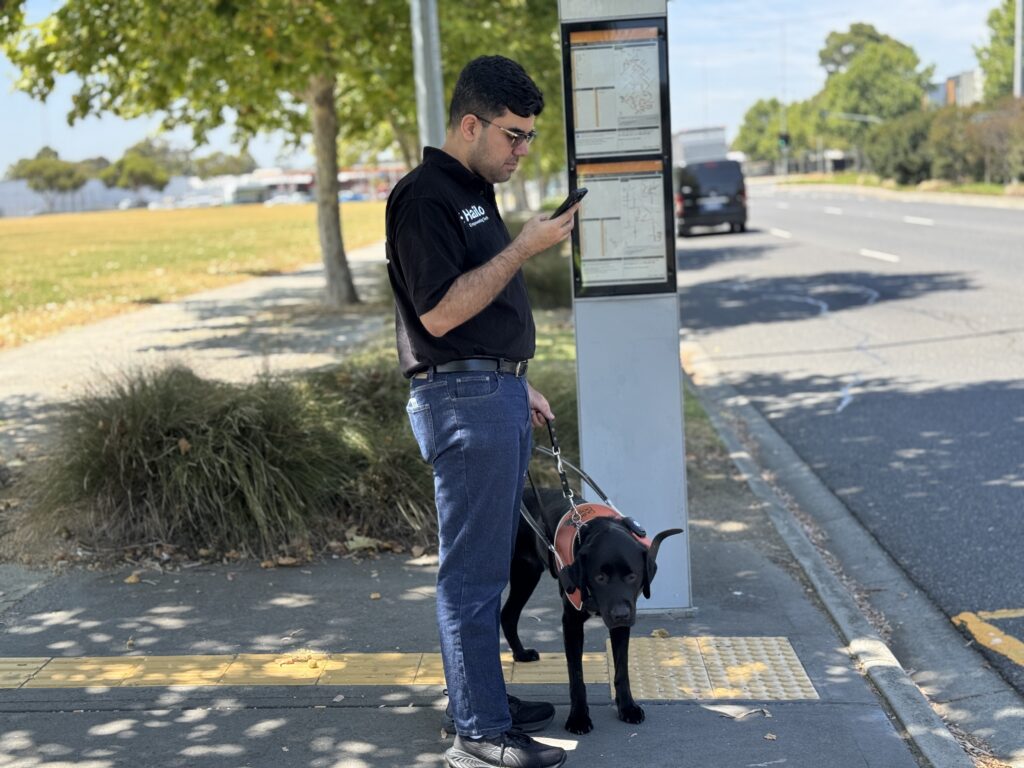
The Hailo app allows you to send a signal to a Ventura bus driver that you are waiting at a stop. With real-time alerts and accessibility features, Hailo helps make catching the bus easier, safer and more accessible. Whether you’re travelling with a pram, using a wheelchair, have low vision, or simply want extra confidence that your bus will stop, Hailo gives you another way to connect with your driver.
Why Use Hailo?
Hailo adds an extra level of confidence when catching the bus.
With the app you can:
- Hail your bus from your phone when you arrive at the bus stop
- Notify drivers of accessibility needs before the bus arrives e.g. ramp
- Track your bus live while you wait
- Track your journey onboard live and receive an alert when you’re approaching your stop
- Plan your journey
The app has been designed to improve accessibility while making Ventura buses easier to use.
Important Information – Ventura Trial
Ventura is proud to introduce the Hailo app across our network as part of an innovative accessibility trial.
During this trial:
- Hailo will be available on Ventura-operated bus routes across Melbourne
- Route 900 is not currently supported as it is operated by multiple bus companies
- Customers are encouraged to share feedback to help improve the system
Your feedback will help shape how accessibility technology is used in the future.
Download the Hailo App
Hailo is free to download and use.
Download the app today to start hailing Ventura buses from your phone.
Download on:
 Apple App Store Google Play Store
About Hailo
Hailo is an accessibility-focused mobile application designed to help passengers communicate with public transport drivers.
The app allows travellers to electronically notify a driver when they are waiting at a stop, request assistance such as a ramp, and receive alerts during their journey.
Learn more about the technology behind the app by visiting the Hailo website.
Learn more about Hailo:
https://hailo.co
How the App Works
Using Hailo is simple.
- Download the app
Install Hailo from the Apple App Store or Google Play Store. - Find your bus
Open the app to see nearby Ventura services and live bus locations. - Hail your bus
Select your stop and send a digital hail to the driver. - Get journey alerts
Receive notifications when the bus is approaching and when your stop is next.
The driver receives a visual and audible alert before your stop so they know someone is waiting.
Where It Works
Hailo works across the Ventura bus network in Melbourne.
View the live Ventura network map to see the routes where Hailo is available.
Route 900 is currently excluded as it is operated by multiple bus operators.
View the Ventura Network Map
You can also view Ventura’s full network here:
https://venturabus.com.au/about-us/our-network-map/
Frequently Asked Questions
What is Hailo?
Hailo is a mobile app that allows you to electronically hail a public transport vehicle and notify the driver that you are waiting at a stop.
Is Hailo free to use?
Yes. The app is free to download and use. Standard mobile data charges may apply.
Who can use Hailo?
Anyone can use the app. While it was designed to improve accessibility for passengers with disabilities, it is available for all public transport users.
Do I need to create an account?
No. You can browse services without an account. However, creating an account allows you to hail buses, select access requirements and choose your drop-off stop.
What information do drivers see?
Drivers receive an alert before your stop letting them know someone is waiting and any access requirements selected. Drivers do not see your name or personal details.
Can I see where my bus is?
Yes. Hailo can display the live location of your bus and show how far away it is from your stop when real-time data is available.
Can I hail more than one bus at a time?
No. You can only hail one vehicle at a time to ensure the correct driver receives the alert.
Do I still need to press the stop button?
Yes. During the pilot, please continue to press the stop button when approaching your stop as a backup system.
Is Hailo a replacement for mobility aids?
No. Hailo is designed to assist public transport journeys but does not replace mobility aids such as wheelchairs, white canes or guide dogs.
What if I need to cancel my hail?
You can cancel your hail at any time before the bus arrives by selecting the cancel option in the app.
How can I provide feedback?
Customer feedback is vital during the trial and helps us improve the experience for everyone.
You can share feedback with Ventura by emailing enquiries@venturabus.com.au.
You can also contact the Department of Transport and Planning via:
https://transport.vic.gov.au/contact-us/public-transport-enquiries
– your feedback will be triaged and sent to Ventura, DTP or other operators where required.
Feedback can also be submitted directly through the Hailo app, or by emailing:
feedback@hailo.co or hello@hailo.co